- To switch guns in GTA 6, hold L1 on PS5 or LB on Xbox and use the right stick.
- Press R1 or RB to switch between weapons and items in the inventory wheel.
- Use the vehicle trunk or Ammu-Nation weapon lockers to equip stored guns.
GTA 6 has completely changed how you carry weapons, so there’s no way to keep a whole arsenal in your pocket. So, carrying the right weapon can make a difference when things go south during heists or a drug bust. Thankfully, switching between your weapons is easy once you know the controls. So, here’s how to switch guns in GTA 6 that are in your inventory or on the ground.
How to Switch Guns Using the Weapon Wheel in GTA 6
The easiest way to switch weapons in GTA 6 is through the weapon wheel. You can use this method whenever you’re on foot or inside a vehicle. Follow the steps below to switch guns in GTA 6:
- Open the weapon wheel in GTA 6 by holding L1 on PS5 or LB on Xbox.
- Use the right analog stick to highlight the gun you want to equip.
- Release the L1 or LB button on your controller to equip the selected weapon

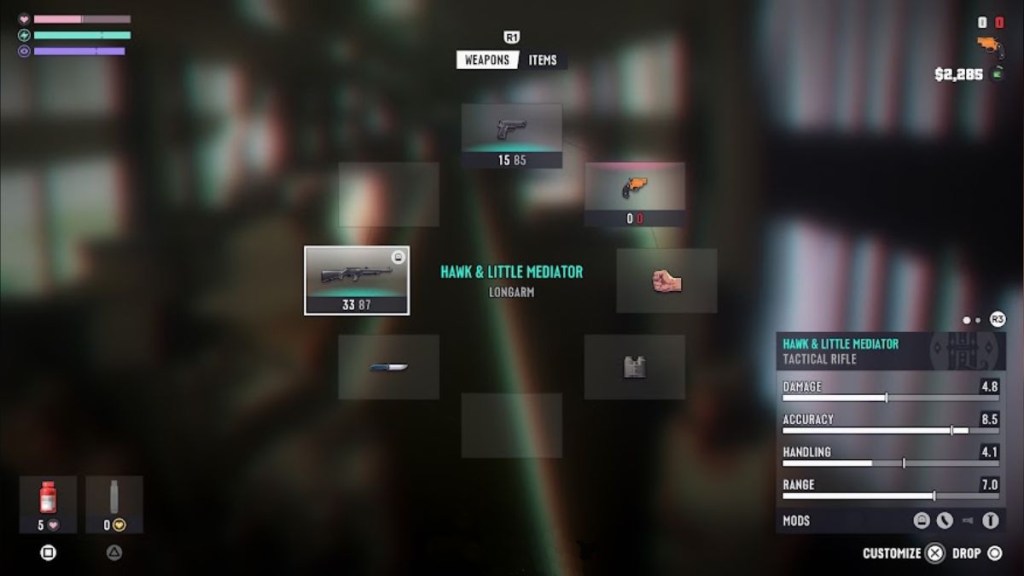
Just remember that the weapon wheel only displays the weapons currently available in your active loadout.
How to Pick Up and Switch to Guns on the Ground
Found a better weapon after taking down an enemy? You can pick it up and replace your currently equipped weapon instead of sticking to what you have in your loadout.
These are the steps you need to follow to change your active guns with the ones on the ground:
- When you approach a dropped weapon, press the L1 or LB button once to pick it up and equip it.
- Opening the weapon wheel will show you one slot being used for equipping the recent weapon you found on the floor.
- This way, you can also compare the stats with the ones in your current loadout before deciding whether to keep it.
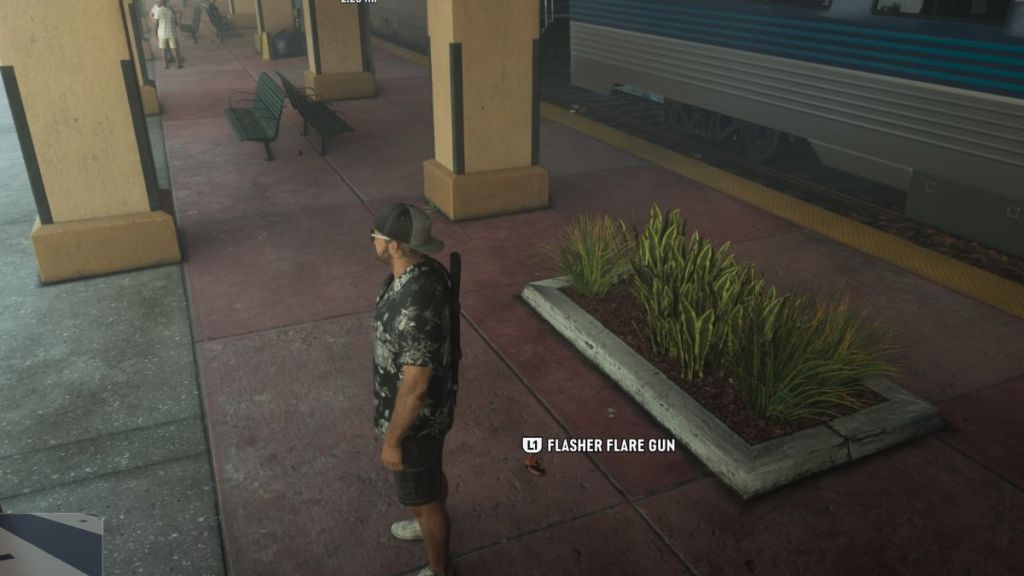
Since you have limited inventory space, as Jason and Lucia, you can hold 2 handguns and 2 long arms at once for each. So, you must throw a weapon in order to pick up an extra if all your slots are full.
How to Quick Swap a Gun in GTA 6
At times, quick swapping your assault rifle to a handgun can save your life instead of wasting your time reloading it. So, here’s how to quick swap guns in GTA 6:
- While equipping a gun, hold the L2 button on PS5 or the LT button on Xbox to aim at your target.
- Then press the Triangle or the Y button to quick-swap your primary and secondary weapon.
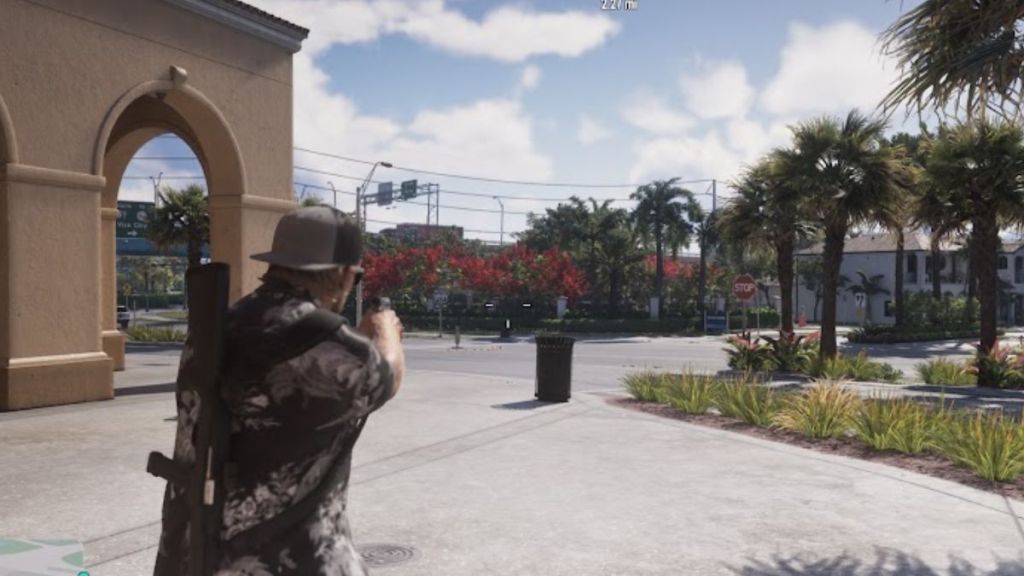
Well, now you know how to switch weapons in GTA 6 and quick-swap them as well. So, do you know what the best guns in GTA 6 are? Tell us in the comments below.