The 12th GTA 6 mission in Chapter 1 is Buck Me, and it follows Jason and Lucia trying to set up their bank accounts at the Fleeca Bank. Here’s the full walkthrough with handy tips and tricks for the Buck Me mission.
Note: Unlike GTA games in the past, GTA 6 missions do not have Gold Medal objectives.
Here is a step-by-step quick overview of the mission:
| Info | Details |
|---|---|
| Mission Number | GTA 6 Mission 12 |
| Story Chapter | GTA 6 Chapter 1 |
| Mission Type | Mandatory (required for 100% completion) |
| Mission Giver | Lucia Caminos |
| Protagonist | Jason Duval |
| Location | Fleeca Bank, Key Lento |
| Unlocked items | BuckMe App |
| Rewards | $100 in BuckMe’s Checking account |
Where to Find the Buck Me Mission in GTA 6

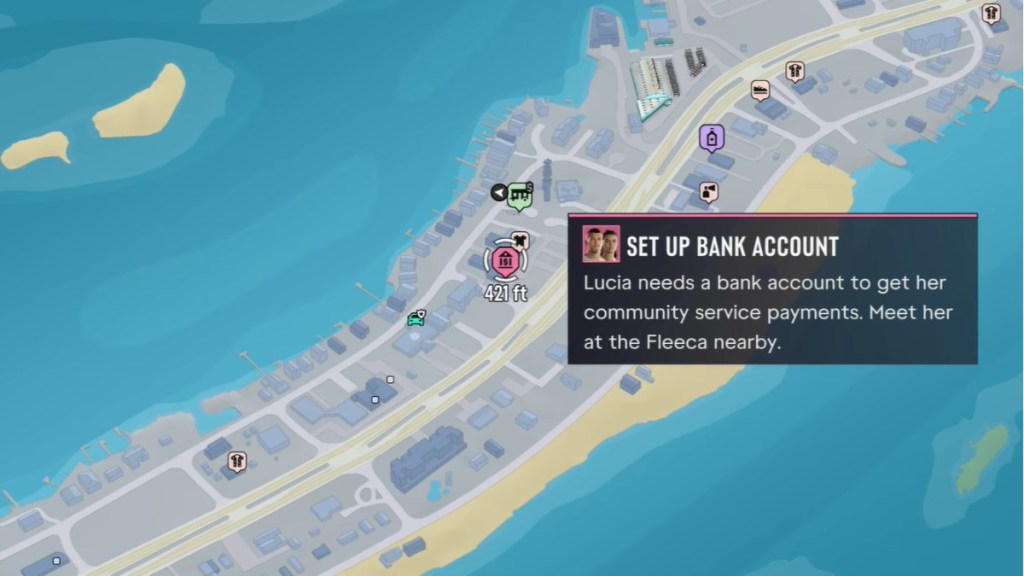
The “Buck Me” mission in GTA 6 becomes available immediately after Lucia calls Jason to set up a bank account to keep her community service payments.
It appears on the map as “Set Up Bank Account,” and you can find Fleeca Bank directly southwest of Jason’s house in Key Lento, one of the main locations in GTA 6. As soon as you enter the bank and talk to the teller, the mission begins.
GTA 6 Buck Me Mission Walkthrough
Speak to the Bank Manager with Lucia
After speaking with the teller, the bank manager will invite you into his office to discuss setting up a bank account. Here’s what you need to do:
- Follow the manager to his office and sit on the chair.
- Lucia arrives and joins Jason in the conversation.
- When the bank manager asks about a deposit, press Square/X to stay silent or X/A to have Jason mention his savings.
- Regardless of your choice, the bank manager will refuse to set up a bank account due to their poor credit.
- Instead, the manager will suggest setting up BuckMe accounts on their phones.
- Jason asks him to send the app link before they both leave the bank.
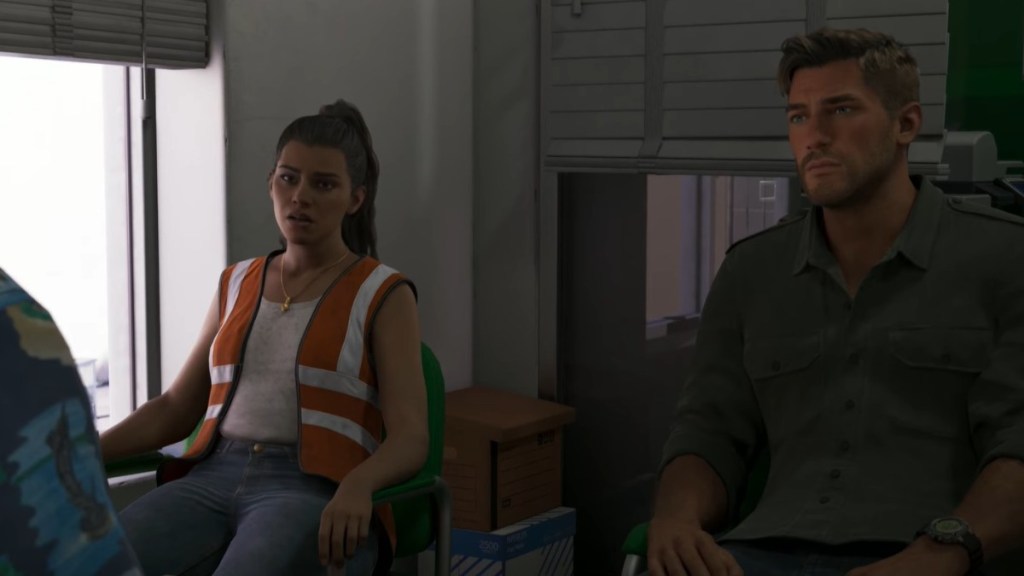
Handy Tip: Since your choice won’t change the manager’s response, have Jason mention his savings since it increases his relationship level with Lucia.
Set up a BuckMe Account
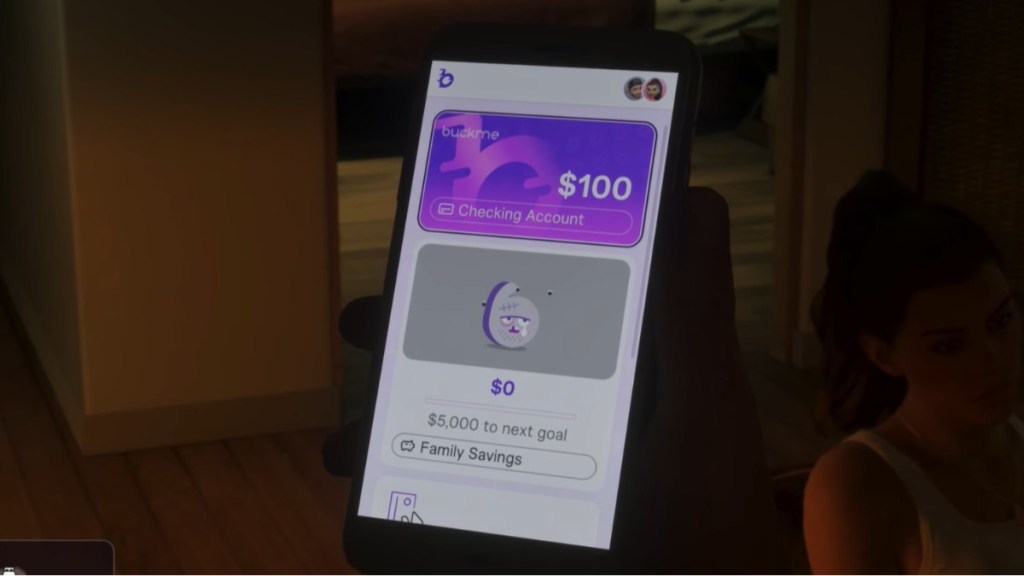
- Once you’re back home, BuckMe sends $100 to your new Standard Checking Account to get started.
- Press the up D-pad button on your controller to bring up your phone and open the BuckMe app.
- Wait for the lengthy intro to end, and then select your Checking Account.
- Select “Buck Yourself” to transfer the $100 from your Checking Account to your Family Savings Account.
- Once the transaction is complete, your BuckMe account is officially set up.
Massage Lucia’s Foot and Go to Bed
- Hold Triangle/Y near the couch to sit, then massage Lucia’s foot to increase your relationship level.
- Once you’re done spending quality time, Lucia will go to the bathroom and then head to bed.
- After she’s in bed, she’ll ask Jason to join her, and you can accept to increase their relationship level.
- In bed, you can either doomscroll on your phone with Lucia or fall asleep directly.
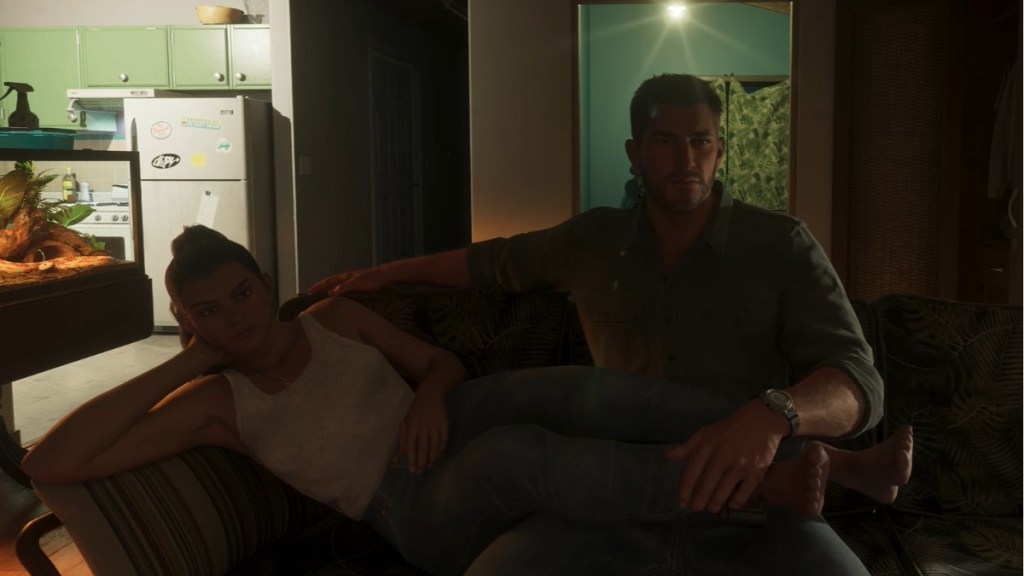
The mission concludes once you fall asleep. After you complete the mission, you’ll have BuckMe as one of the GTA 6 apps installed on your phone, and $100 deposited in your “Checking Account.”
Now that your BuckMe account is set up, check out the best early money spots in GTA 6 to save for the future.