- Phone is one of the most important tools in Stand Out.
- It lets players access quests, bounties, fast travel, gangs, music, and more.
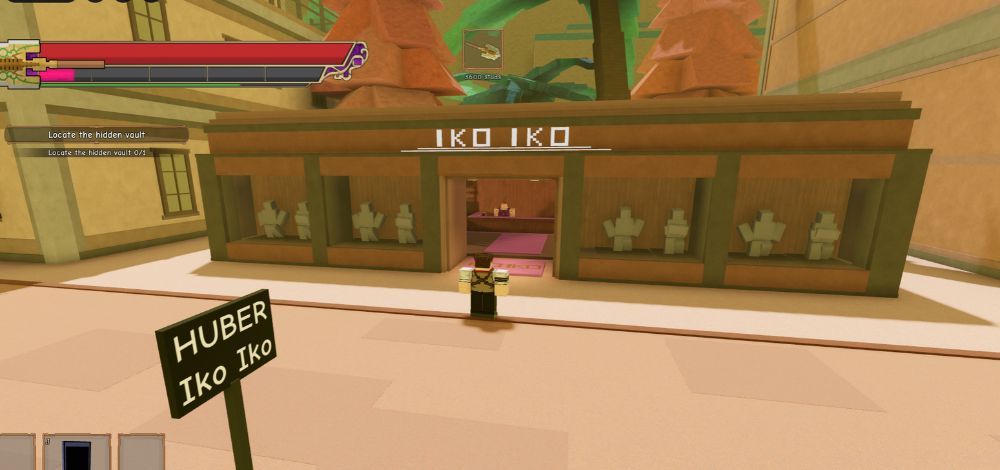
- Players must complete the intro tutorial and speak with Meryl at the Iko Iko store to get the phone.
The phone in Stand Out is an important tool that gives you access to different features and activities. You can use it to accept quests, check bounties, fast travel, join gangs, and even play music with other players. In this guide, we will tell you how to use all the phone apps in Stand Out.
How to Get and Open the Phone in Stand Out
Before using any apps, you first need to unlock a phone in Stand Out. Follow these steps to get one.
- Launch Stand Out and start the tutorial.
- Defeat the cop and speak with the stranger to finish the introduction.
- Visit the Iko Iko store.
- Talk to the NPC named Meryl.
- Select “I’m in” and you will receive a phone.
- Open your inventory by pressing M and move the phone to your toolbar.
- Press J or select its toolbar slot to pull out the phone and open its screen.

Once you have a phone, you can use all the apps and continue with the storyline.
All Stand Out Phone Apps and Their Uses
The phone comes with a bunch of apps preinstalled. Each app has a different purpose, so knowing what each one does can help you progress faster. Here are all the apps that you can currently use in Stand Out:
Huber
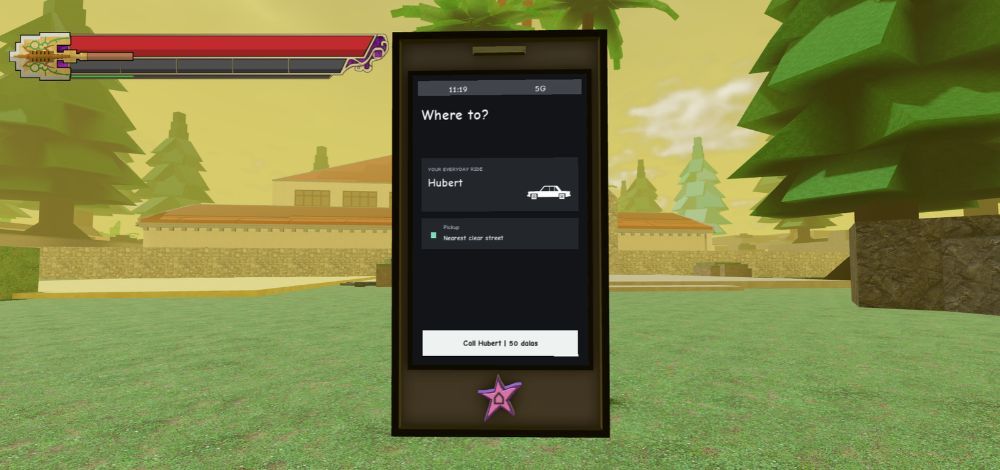
If you want to travel around fast, you can call a Huber. It is an in-game cab service that lets you select a destination on the map and fast travel to the location for just 50 Dala. The only downside is that you need to be on the road, so if you are stranded, you will have to walk to the nearest road for pickups.
Bounties & Eliminations
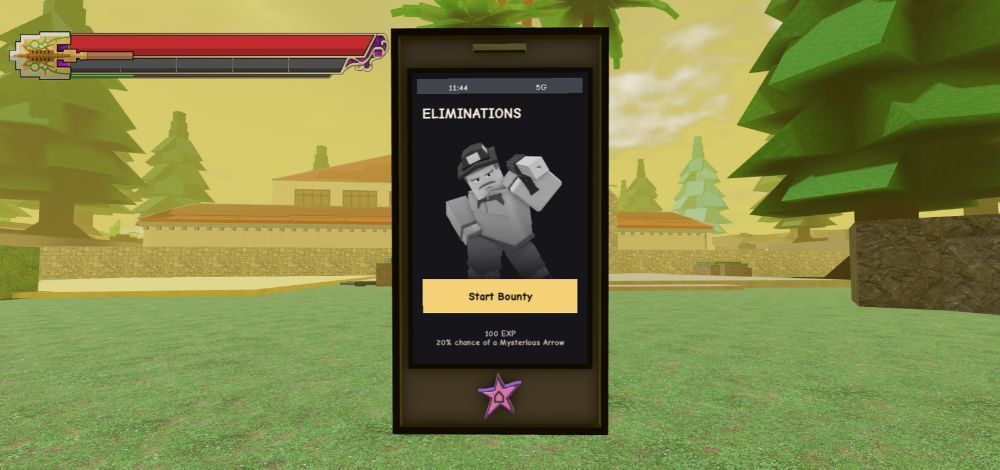
Bounties & Eliminations lets you view and accept repeatable takedown targets. Each reward gives you XP, Dala, and a chance to get Mysterious Arrows depending on the difficulty.
Map
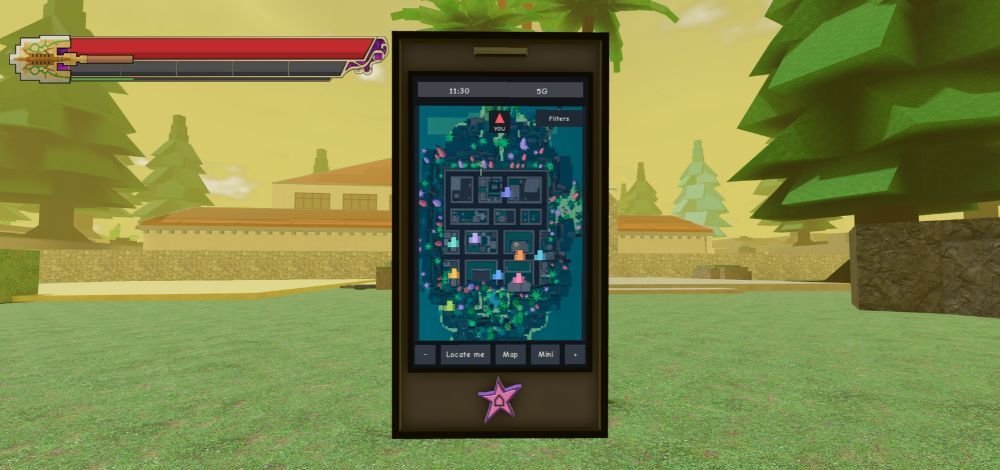
Just like most RPGs, you get a map, but you can only access it through this app. It lets you find NPC locations and hotspots around the town.
Gangs
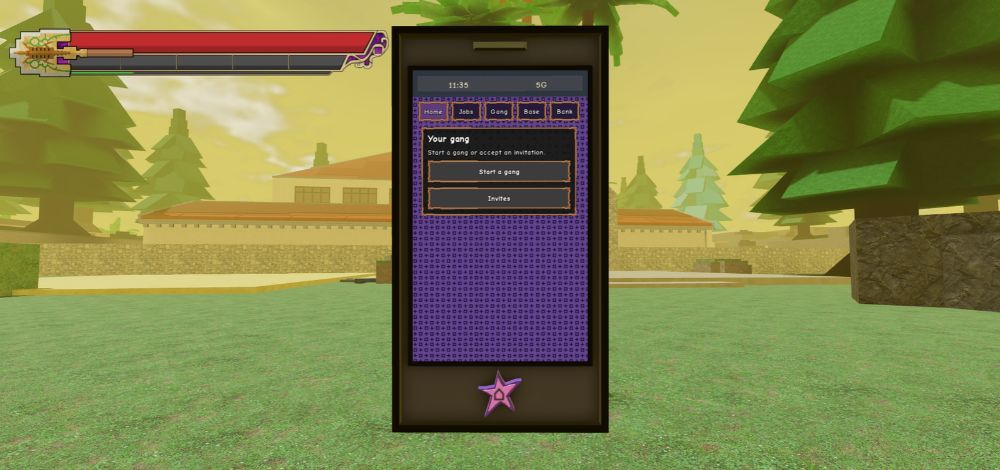
The Gangs app on your phone works like clans; you can create a gang and invite other players or join an existing gang. These give you access to jobs, a base, and a bank.
Alt Colors
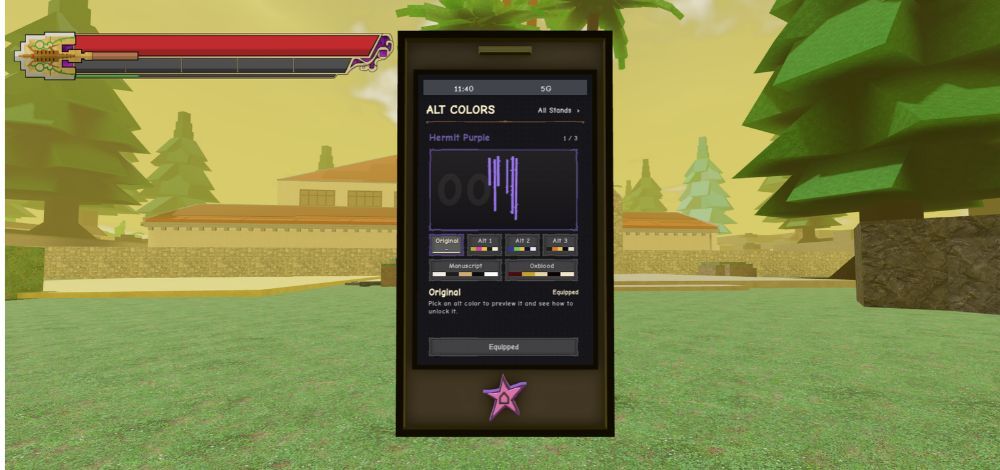
You can customize and change the appearance of your Stand by unlocking different colors. Each color has requirements, such as eliminations, ability uses, and damage dealt.
Quests
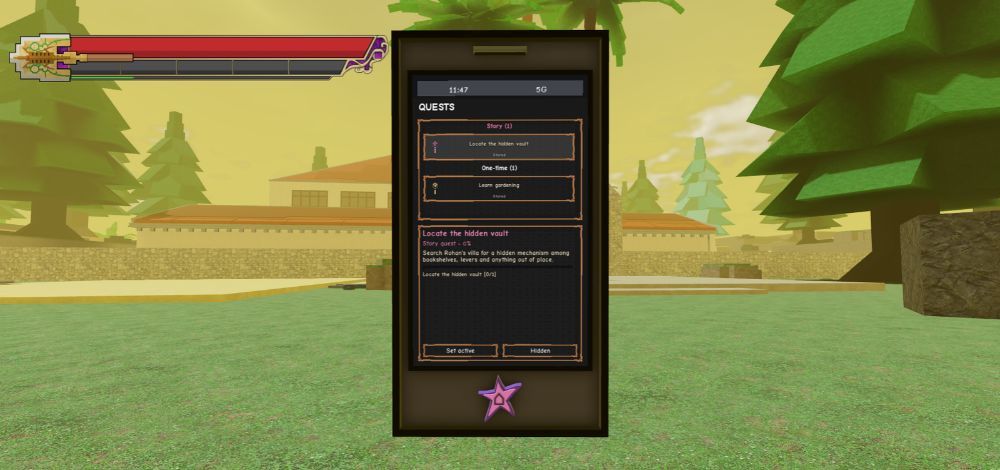
The Quests app lets you check all the active and available missions. You can accept them to earn unique rewards and high-tier Arrows.
Gifts
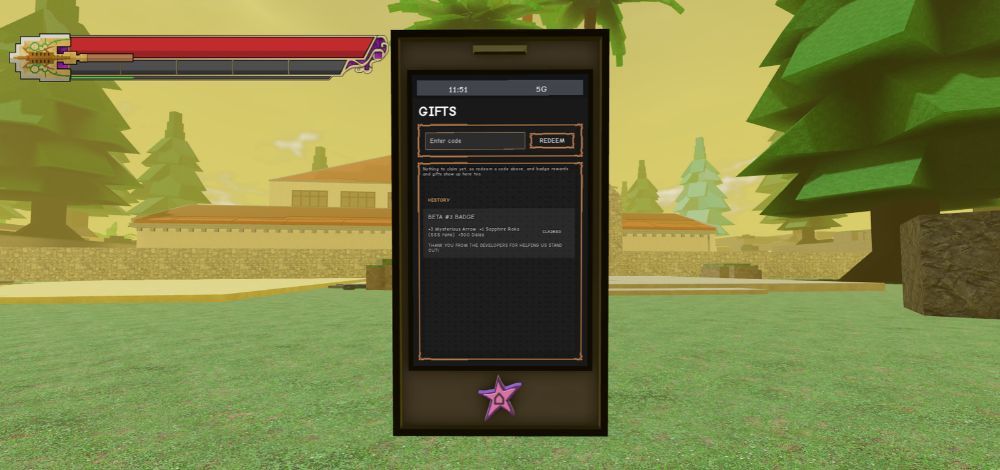
The Gifts app is the only way you can redeem Stand Out codes. Open the app, enter the code in the text bar, and click Redeem to get free rewards like free Stand Arrows and Dala.
Standify
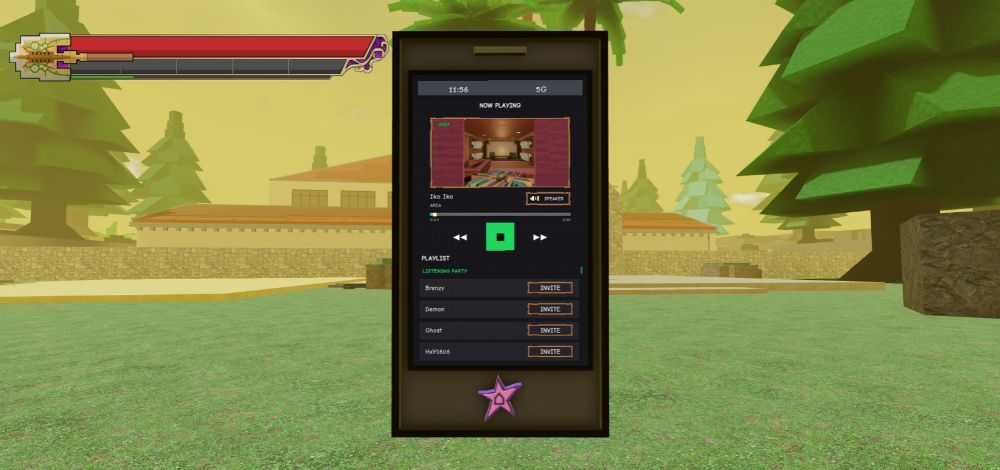
The Standify app on your phone is a music app. You can use it to open your music library and play different songs. You can also use speakers and invite other players in the lobby to listen to your playlist.
Gallery
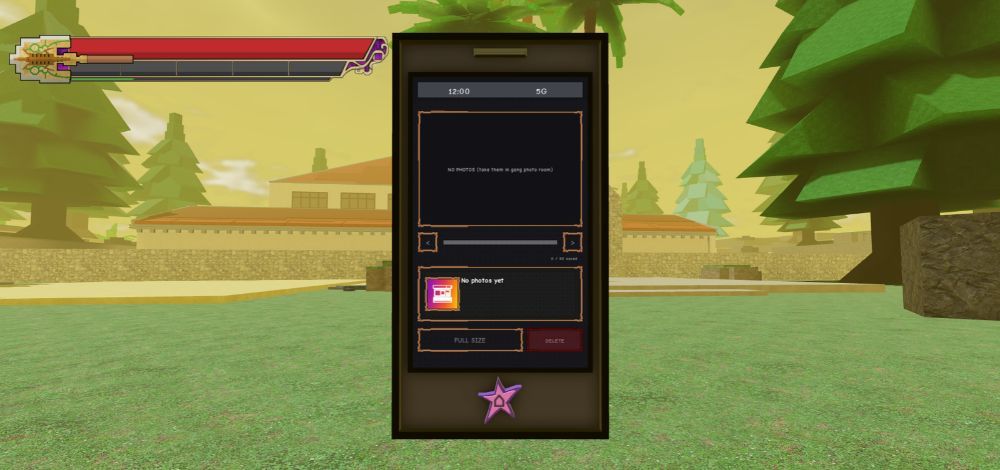
The Gallery app lets you browse screenshots and photos you have taken in the game.
That is how you use all the phone apps in Stand Out. Which song do you listen to on Standify? Let us know in the comments.
To get a phone in Stand Out, you must complete the intro tutorial, visit the Iko Iko store, and speak with Meryl.
You can fast travel using the Huber app on your phone. Just select a destination on the map, and pay 50 Dalas to travel there.